
SP
Daily Sales Check
Review saved sales, cash, card payments, and paid outs. Station Pilot calculates over/short so you can quickly spot what needs attention.
Station Pilot turns the familiar pen-and-paper routine into one simple iPhone app. Record daily sales, expenses, fuel, payroll, optional lottery, and notes—then review the numbers you entered.
Version 1.1 is now available on the App Store. Download Station Pilot for free.
Daily clarity
Sample dataFrom today's entries to monthly figures
Familiar
Made for pen-and-paper owners
Organized
Daily records in one place
Private
Your business numbers stay yours
The daily notebook, made digital
Built for gas station owners who value the simplicity of pen and paper. Enter the day's numbers once, and Station Pilot organizes the calculations, reports, and history for you.
Review saved sales, cash, card payments, and paid outs. Station Pilot calculates over/short so you can quickly spot what needs attention.
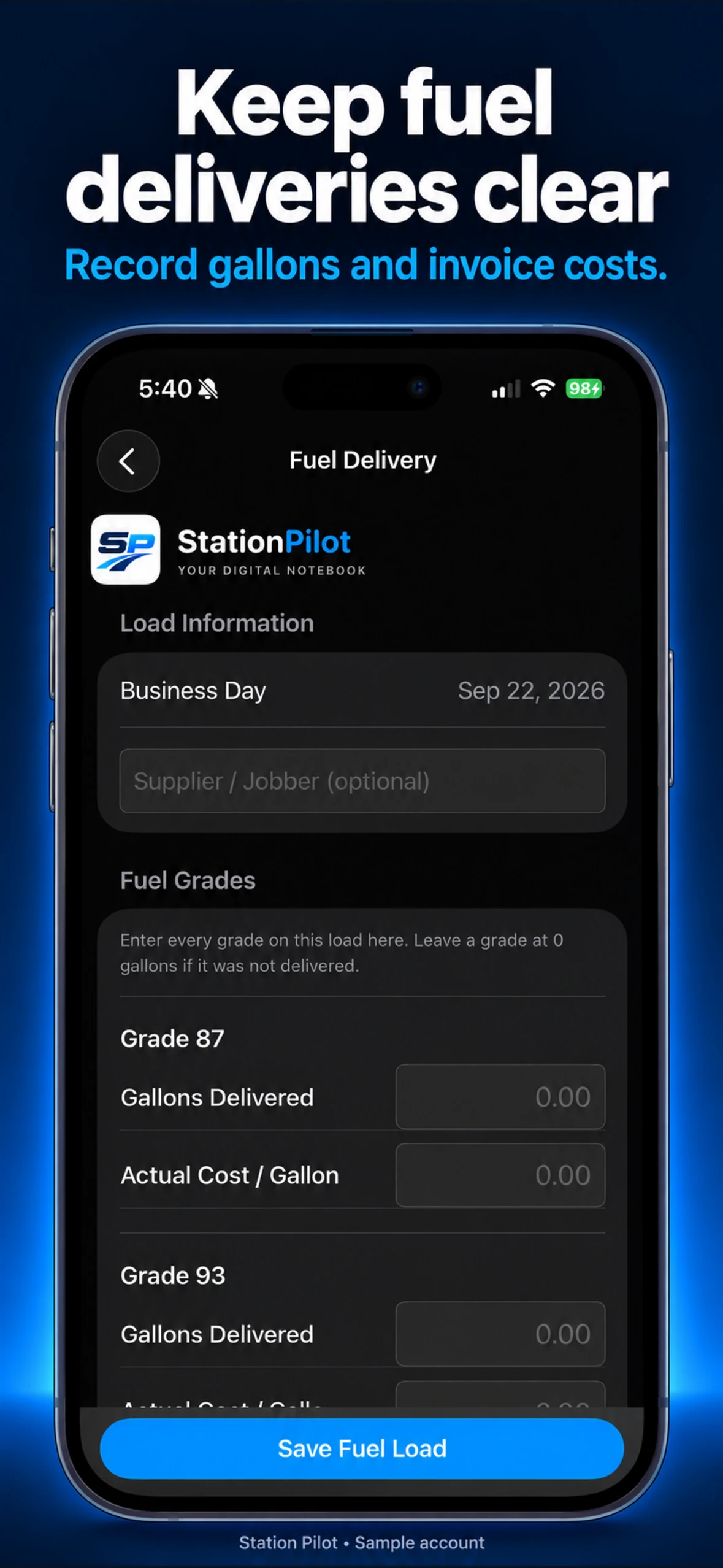
Record fuel deliveries and review the fuel-profit figures produced from the numbers you enter.
Compare tank and fuel information so possible discrepancies are easier to spot and investigate.
Keep card settlements and supplier balances organized alongside the rest of the day.
Record operating expenses and payroll so estimated net results reflect the fuller picture.
Search saved records and review Monthly, Yearly, and Operations reports, including Tender and Other Income. Share reports as PDFs.
One simple daily workflow
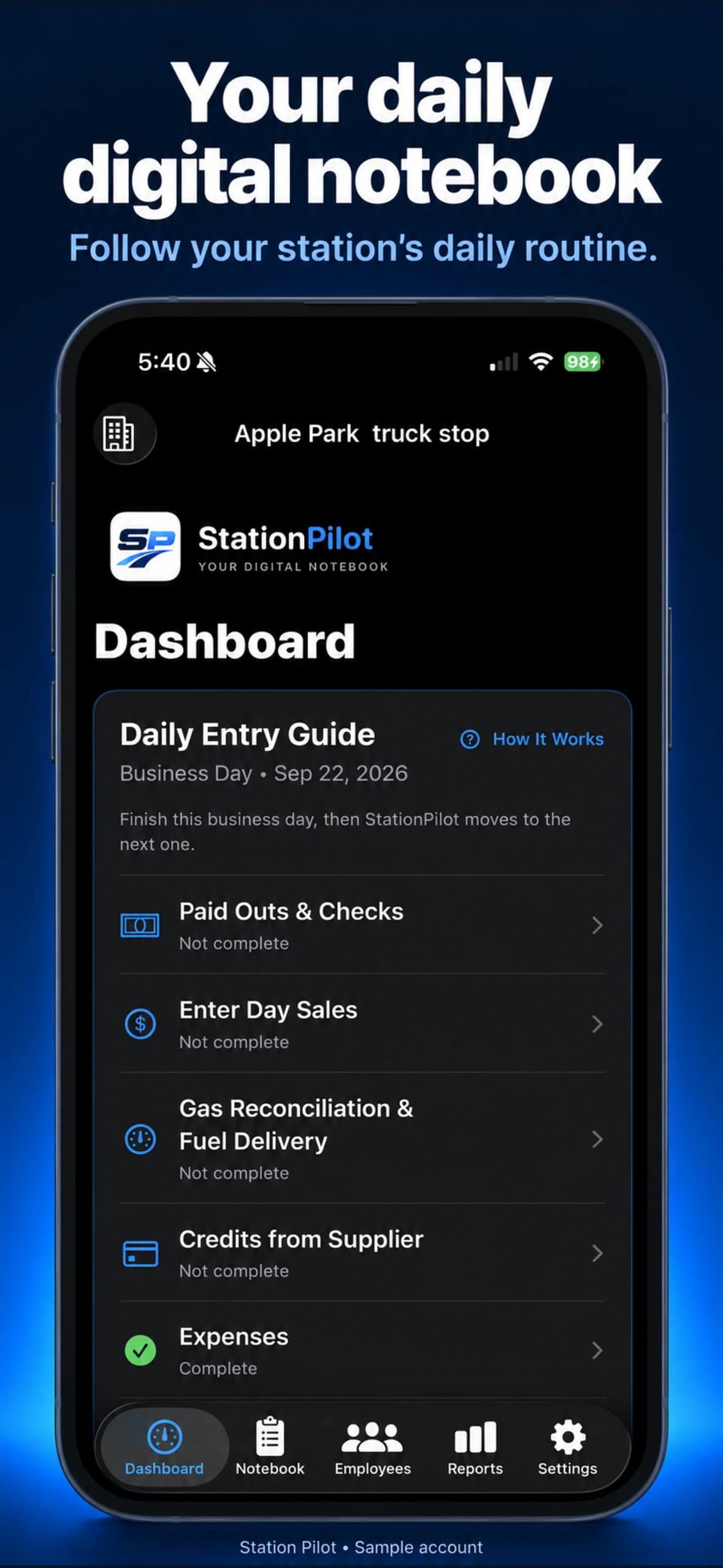
Build 50 brings a six-step Daily Entry Guide, from Paid Outs & Checks through Expenses and Other Income. Review each step, then return to your saved records and reports. Payroll remains available separately.
Your notebook saves on your iPhone first. In Build 50, account backup and synchronization help keep iPhones signed into the same Station Pilot account up to date. Connect to the internet and let synchronization finish before switching phones. Conflicting edits may need your review.
A look at the update
Screens from version 1.1, now available on the App Store.
A calmer daily routine
The six-step Daily Entry Guide in version 1.1 Build 50 keeps the business day in order. This update became available on the App Store on October 7, 2026.
Add the day’s items, or choose No Paid Outs or Checks.
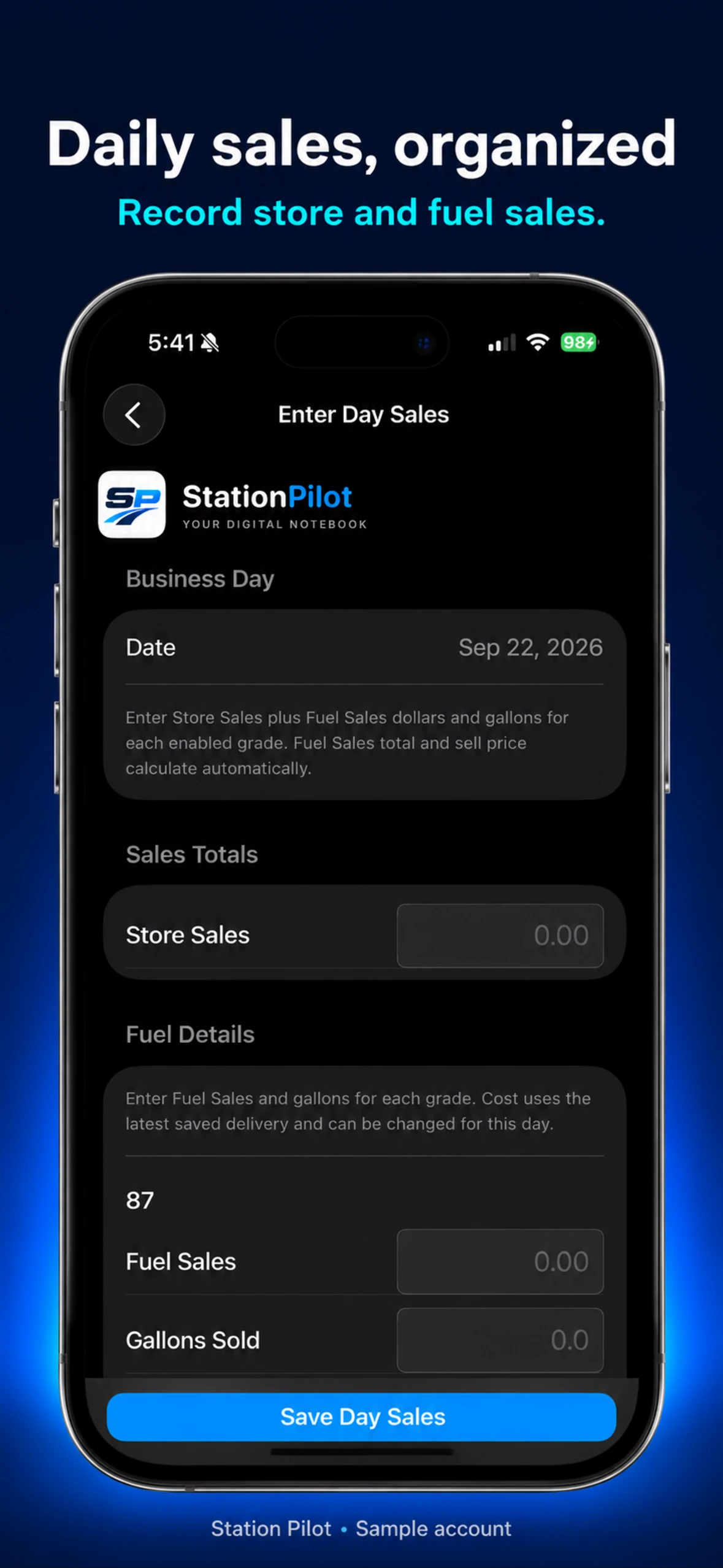
Enter full-day Cash, Credit/Debit, EBT, Coins, Store Sales, fuel sales and gallons, and lottery if enabled.
Answer whether fuel arrived, record the load if needed, then enter the Ending Tank Reading. The ending becomes the next day’s beginning.
Enter the day’s supplier activity, or choose No Activity Today.
Review and record the day’s operating expenses.
Review and record other income for the business day.
Current access
The current app is free. Paid plans for one or multiple stations are planned for a future update. Subscription terms will be shown before you choose to subscribe.
Download on the App StoreAvailable today
Free
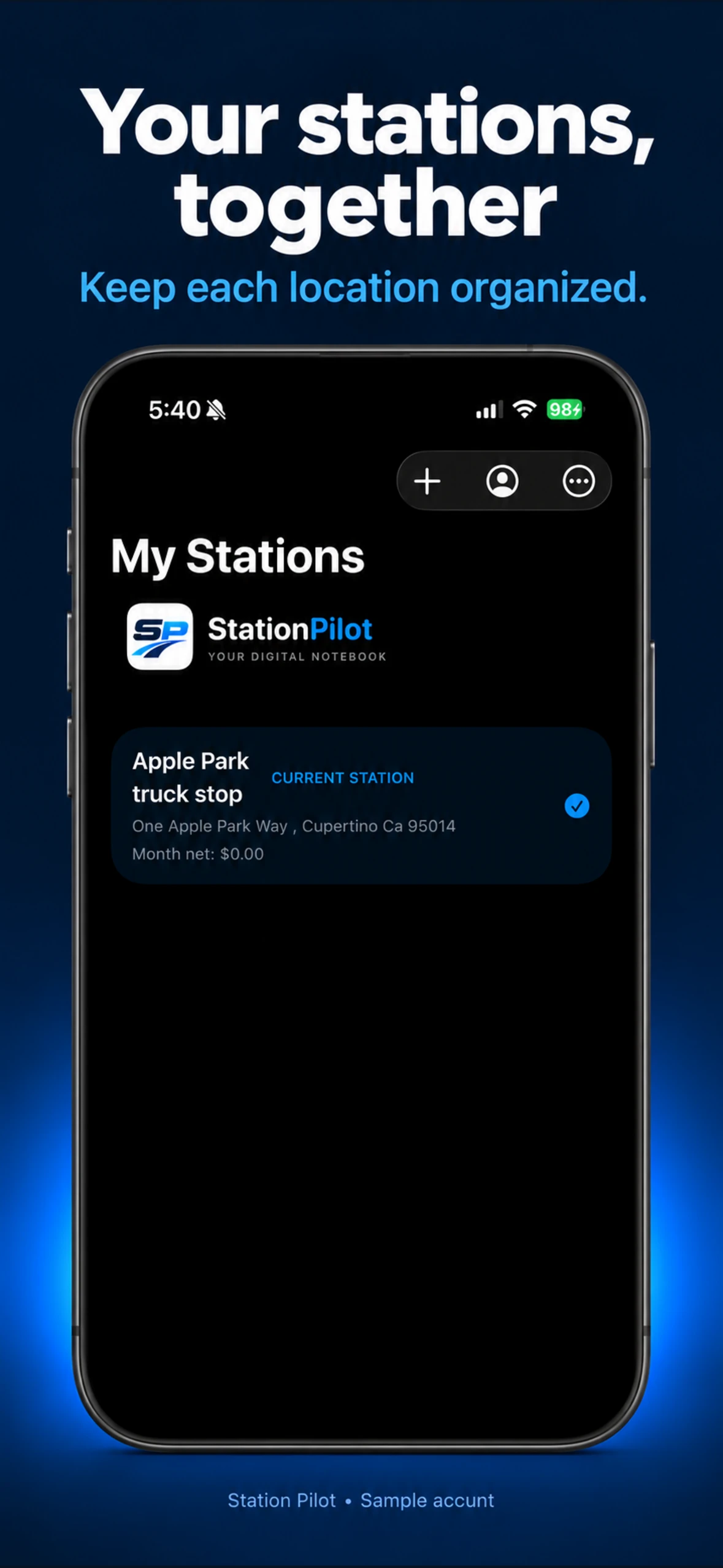
Organize your stations in one account. Build 50 does not introduce subscription charges.
A free trial and station-based paid plans are planned for a later release. We will publish final pricing and trial terms when subscriptions are ready.
Version 1.1 is available on the App Store as of October 7, 2026. It improves account backup, synchronization between iPhones on the same account, recovery of unfinished entries, and protection against conflicting notebook changes. Download the latest release from the App Store.
Create an account, verify your email, and sign in to your protected digital notebook.
Build 50 improves backup and synchronization between iPhones using the same account. Offline changes need a connection to sync.
Recover your password by email. Another owner account cannot open your protected notebook.
Share PDF reports through the standard iOS share sheet to a destination you choose.
Organize lottery figures and owner-entered commission when lottery is enabled for your station.
Helpful owner guides
Plain explanations for owners moving their daily station records from paper to iPhone.
See how a focused daily record differs from larger systems that try to manage every part of the store.
Explore management softwareLearn what a useful gas station daily record should include and how to move the routine off paper.
See the daily trackerFueling a smarter business
Download Station Pilot for free from the App Store and put your station’s daily workflow in one organized notebook.